
The AI garbles the title
Title and author set in real type
The artwork is drawn with no lettering. Your title, subtitle and author name sit on top as text, so they read exactly as you typed them.
Already wrote the book? Describe it and get a print-ready KDP wrap cover and a Kindle cover: AI artwork, your title in real type, and a spine sized to your page count.
Free to start. No card needed. Your editor answers in seconds.
The AI garbles the title
The artwork is drawn with no lettering. Your title, subtitle and author name sit on top as text, so they read exactly as you typed them.
KDP says the cover is the wrong size
Pick one of 13 KDP trim sizes and your paper, enter the page count, and the wrap is built to that width with 0.125 in bleed on every side.
You only get a front image
Back cover copy, spine text and a clear space for the KDP barcode are laid out for you, and the same design is exported as a Kindle cover.
Cover artwork from real books made in KDPBook, shown before the title type is set on top, led by one finished Kindle cover. Nothing retouched.
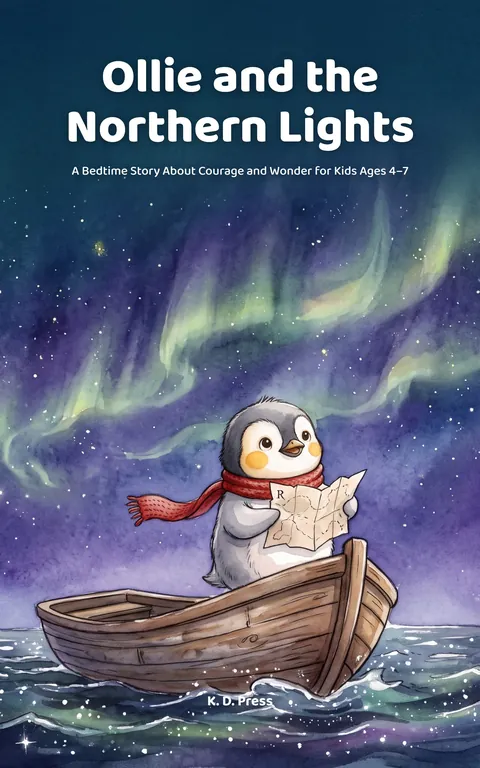
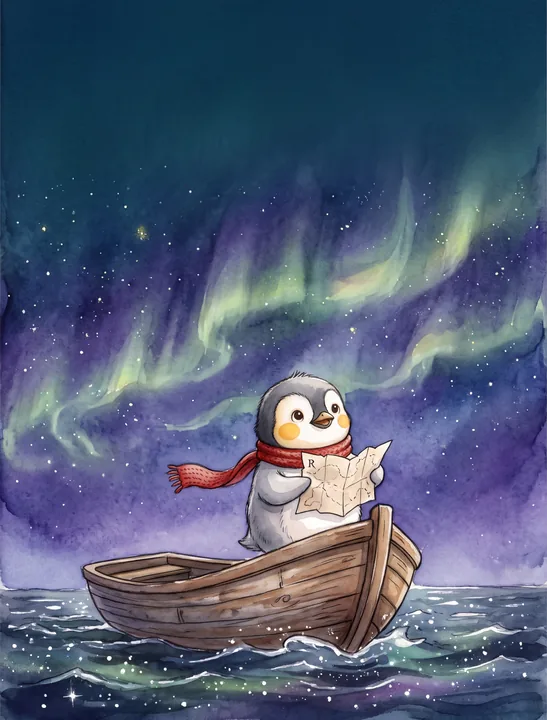
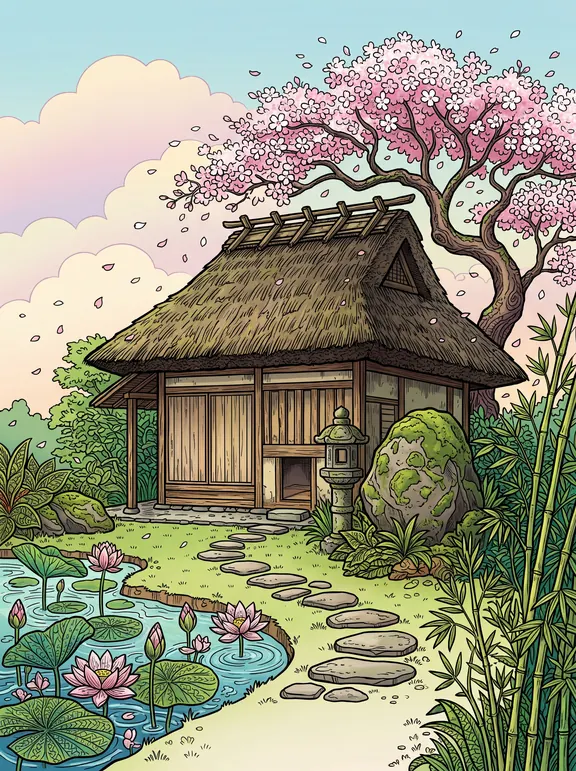



Cover artwork and a finished Kindle cover made with KDPBook.
Title, author, genre and a line about the story. The editor writes the back cover copy and plans the front scene.
Trim size, paper and your interior page count. The spine width updates as you type.
The artwork is drawn for your layout. 60 credits, charged only when it is delivered.
Take the wrap PDF and Kindle JPG to KDP, with a checklist for every field.
The layout decides where the title, author and artwork sit. Switch it at any time; the art stays the same and nothing is charged.
Full-bleed art, title on top, author at the bottom.
Title sits on a solid color band above the art. Easy to read at thumbnail size.
Art inside a framed window on a solid background, the classic coloring-book look.
Full-bleed art with the title on a soft shade at the bottom.
Example: a 6 × 9 in paperback with 300 pages on white paper needs a 12.9256" × 9.25" wrap with a 0.6756" spine. Check any size with the cover size calculator, or design it yourself on a cover template generator guide file. Want to edit every line yourself? See the book cover maker. For what makes a cover sell, read our book cover design tips.
You can start on the free plan and design a cover with your free credits. A cover costs 60 credits and a redraw 30. Free plan files carry a watermark; paid plans export clean files you can sell.
Yes. KDP accepts AI-generated covers, but it asks during upload whether your book contains AI-generated images, and a cover counts. Answer yes for the cover. The upload checklist in your download says exactly what to tick.
No, because the AI never draws the title. The artwork is generated with no text in it, and your title, subtitle and author name are set on top in real type. What you type is what prints, on the front and on the spine.
Change the interior page count or paper in the studio and export again. The spine width is recalculated, and the artwork stays the same, so it costs nothing.
Yes. Every cover comes with a Kindle cover JPG at 1600 × 2560 pixels. Upload it as the ebook cover and ignore the print PDF.
Yes. Attach a reference image in the chat and say it is for the cover. The editor describes what to take from it, such as palette, medium or composition, and the cover is drawn to match. It matches the style, not the exact picture.
KDP only prints spine text on books with more than 79 pages. Below that the spine is left plain, and the studio tells you so.
Describe your book and get a KDP wrap cover and a Kindle cover. Start on the free plan.
Design my cover