A nice design, but not a file KDP accepts
Exported to Kindle and paperback specs
The ebook is a proper EPUB and the paperback a PDF at your exact trim size, checked against KDP print rules before you download.
This book maker online takes you from idea to finished book in your browser. Write it yourself or with AI, add illustrations, and export a Kindle ebook, a print-ready paperback PDF and a cover.
Free to start. No card needed. Your editor answers in seconds.
A nice design, but not a file KDP accepts
The ebook is a proper EPUB and the paperback a PDF at your exact trim size, checked against KDP print rules before you download.
You lay out every page by hand
Chapters, page numbers, a table of contents, margins and picture placement are set automatically. You change words, not text boxes.
The ebook and the print book drift apart
Edit once and export the EPUB, the print PDF and the covers from the same project, so they always match.
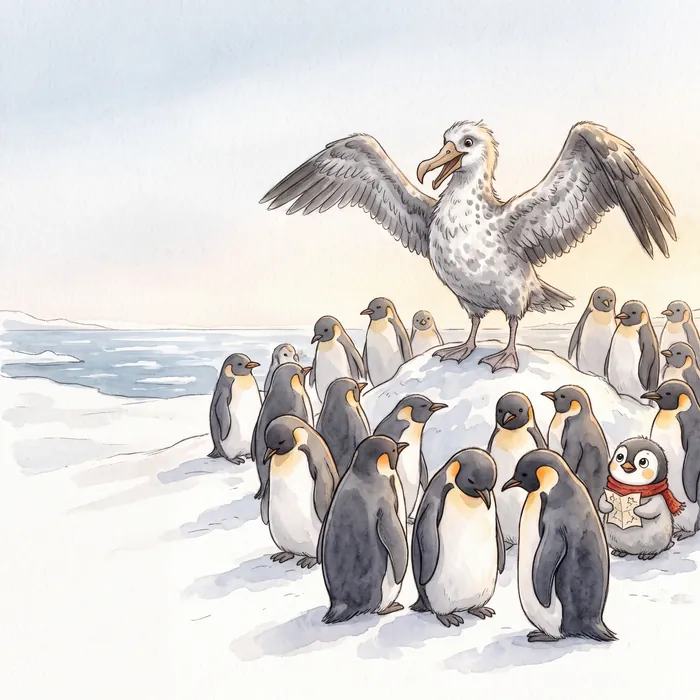
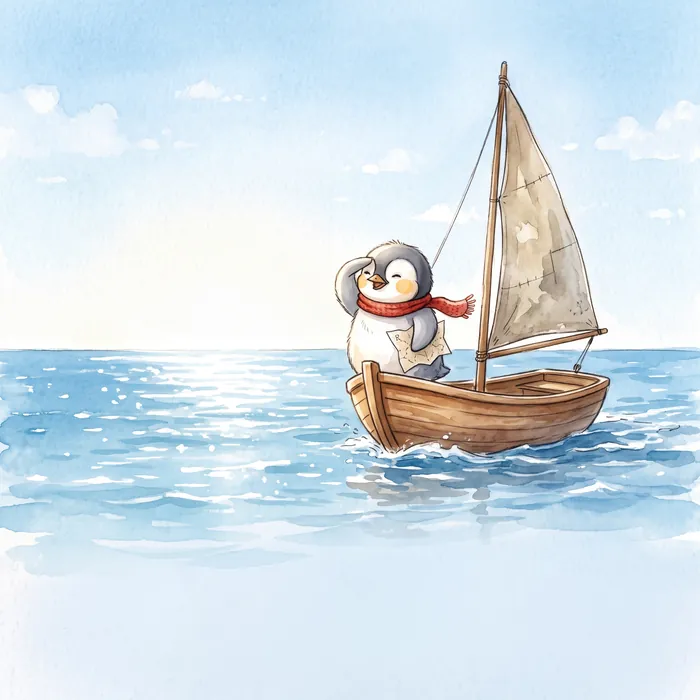
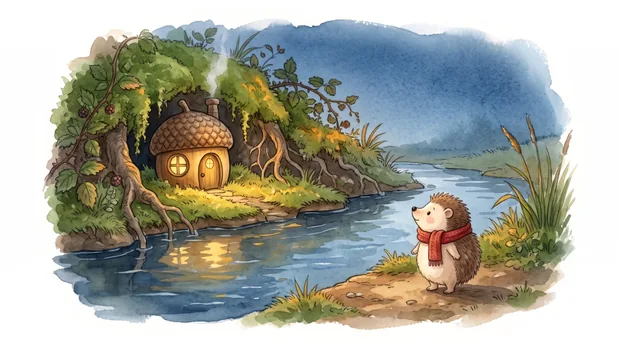
Covers and inside pages straight from KDPBook, each made from a one-sentence idea. Nothing retouched.
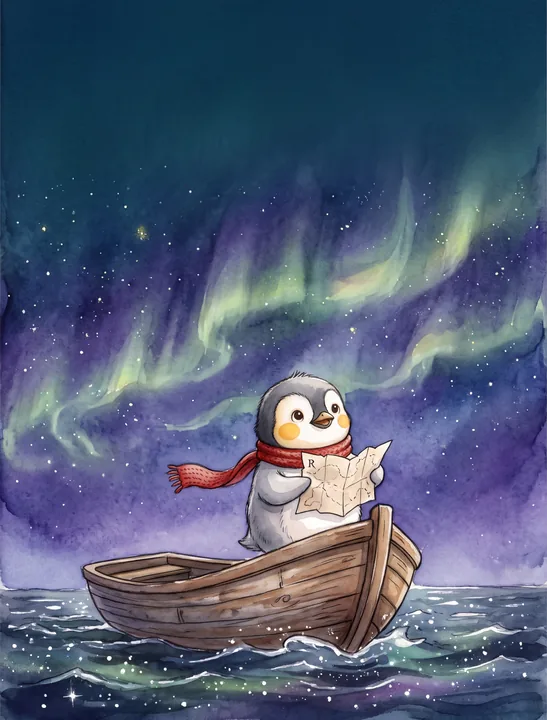
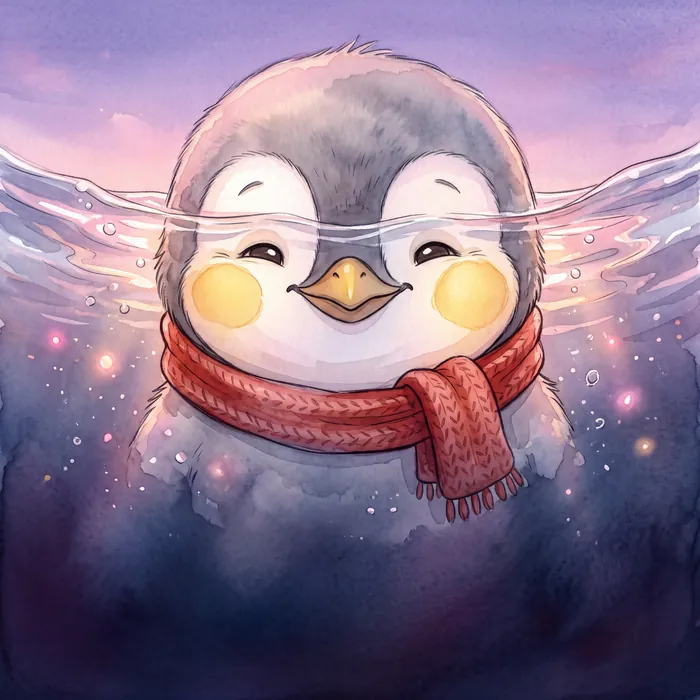
Children's picture book · 8.5 × 8.5 in · watercolor
Make one like it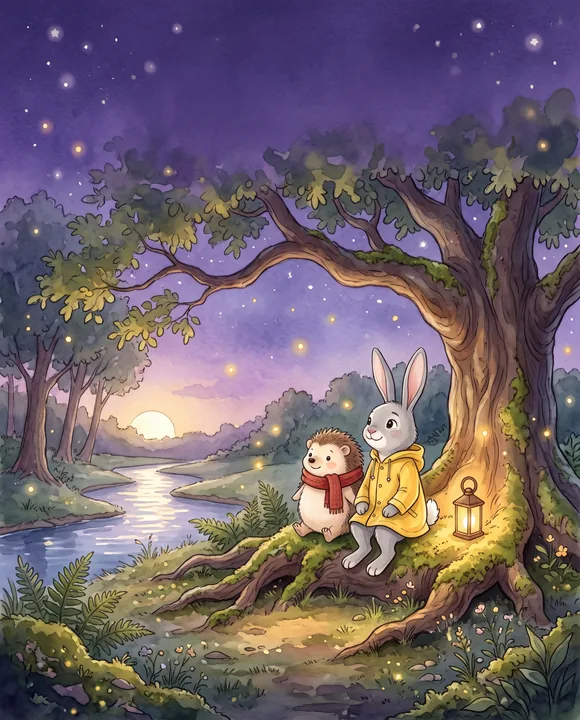
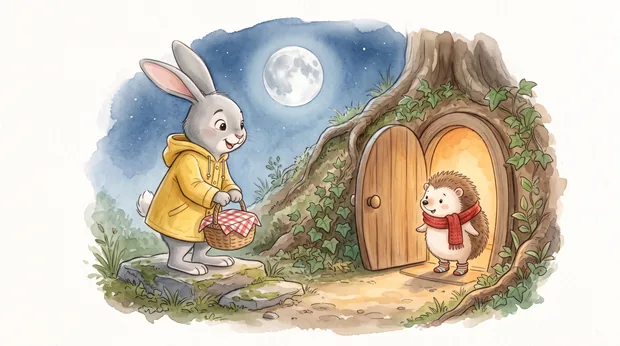
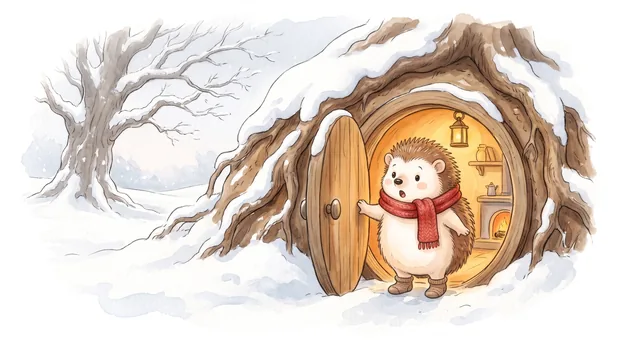
Bedtime story collection · 10 stories · 8 × 10 in
Make one like it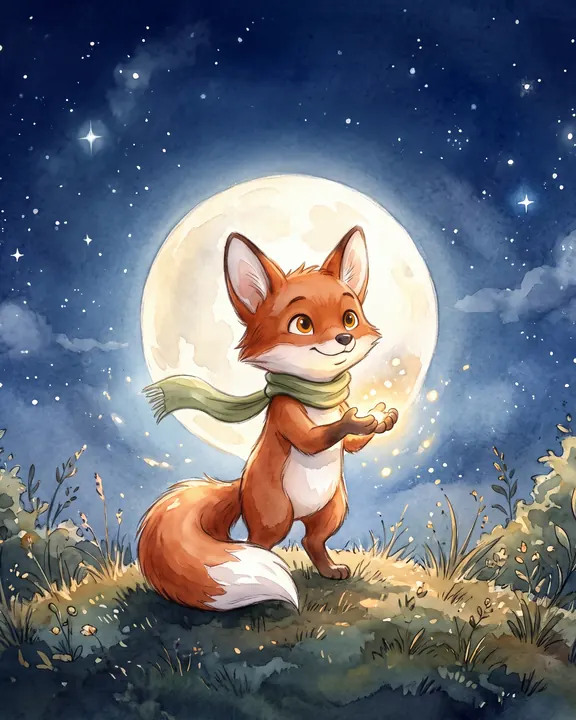
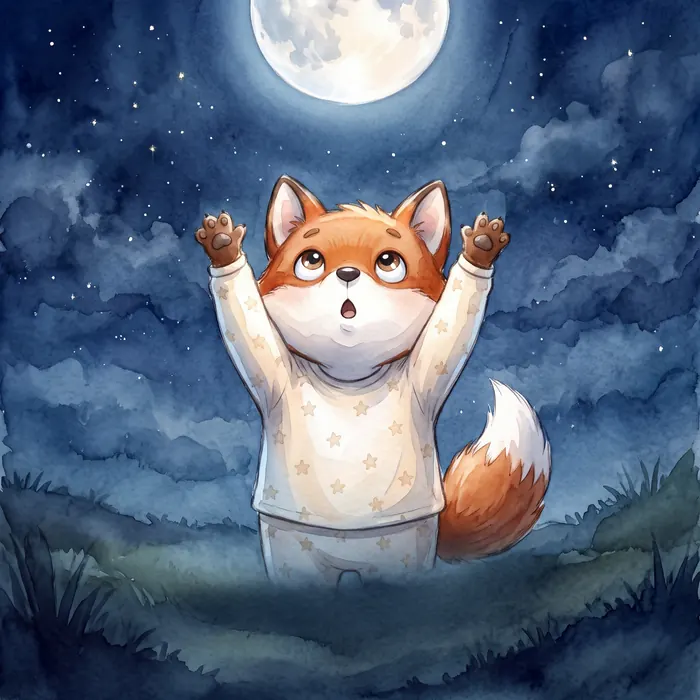
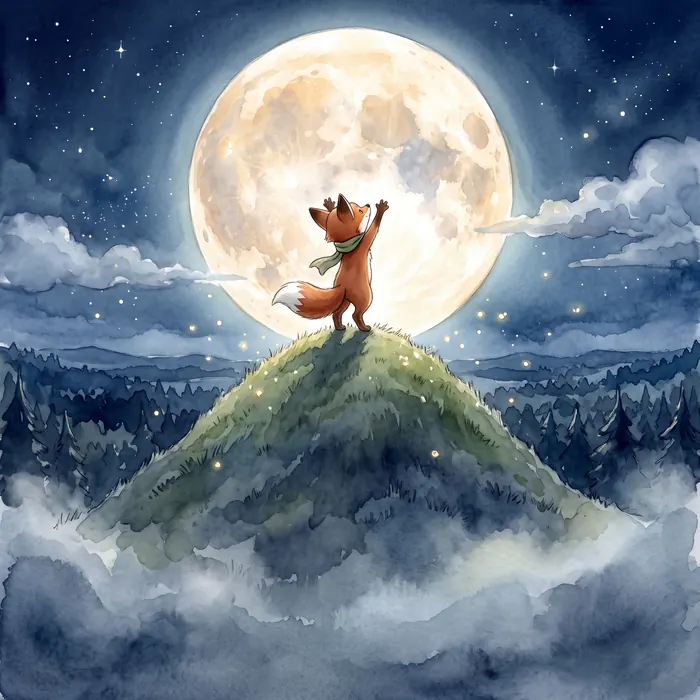
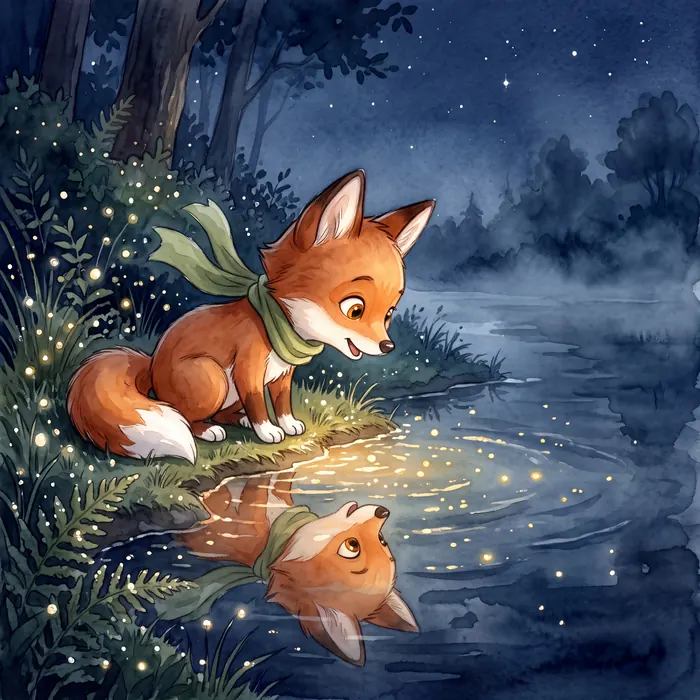
Children's picture book · 8.5 × 8.5 in · watercolor
Make one like itEach kind of book has its own writer, layout and formats. Credit estimates are for the default settings.
An illustrated story with a consistent hero on every page.
A full-length story written chapter by chapter, typeset for print and Kindle.
A practical book or guide with clear chapters, headings and takeaways.
One sentence is enough. The editor proposes an outline, characters and format, and changes what you ask.
Draft chapters with AI or type your own, then edit every line. Long books keep a story bible so names and facts stay consistent.
Add a cover, chapter art or full picture-book pages in a style you approve first.
Download the EPUB for Kindle, the paperback PDF and the covers, with a checklist for uploading to KDP.
You choose the book; the formats follow what KDP expects for it.
For novels, guides and story collections. Text reflows to any screen size and the reader can change the font size, as Kindle expects for text books.
For picture books. Every page keeps its artwork and text placement, the way Kindle shows illustrated children’s books.
The interior for a paperback in any of 13 KDP trim sizes, with margins, page numbers and bleed set for you.
A wrap cover PDF for print and a 1600 × 2560 pixel Kindle cover JPG.
Prefer to do it by hand? Read how to create an ebook step by step, compare book making sites, or generate a whole book with AI.
You can start free. New accounts get free credits, which is enough to make a short book, and every step shows its price before it runs. Free-plan files carry a watermark; paid plans export clean files with commercial rights.
No. It is a book maker online, running in your browser: writing, illustrating, layout and export all happen in the studio, and the files download to your computer.
Yes. You can paste or type your own text into each chapter and edit anything the AI writes. You can also ask the editor to rewrite one chapter with a note, and earlier versions are kept.
EPUB, the format KDP and most stores accept. Text books get a reflowable EPUB and picture books a fixed-layout EPUB. Coloring and puzzle books are print only, because they are meant to be drawn on.
No. KDPBook makes new books for publishing on Kindle and in print. It does not turn an existing PDF into a page-flip flipbook for a website.
On the free plan, finished books can appear in the community library, where anyone can read them online. Paid plans can keep books private.
36 languages that KDP accepts, including right-to-left languages, with the formats KDP allows for each one.
Start with one sentence. Free to start, and you see the price of every step before it runs.
Start my book