What this KDP book template sets for you
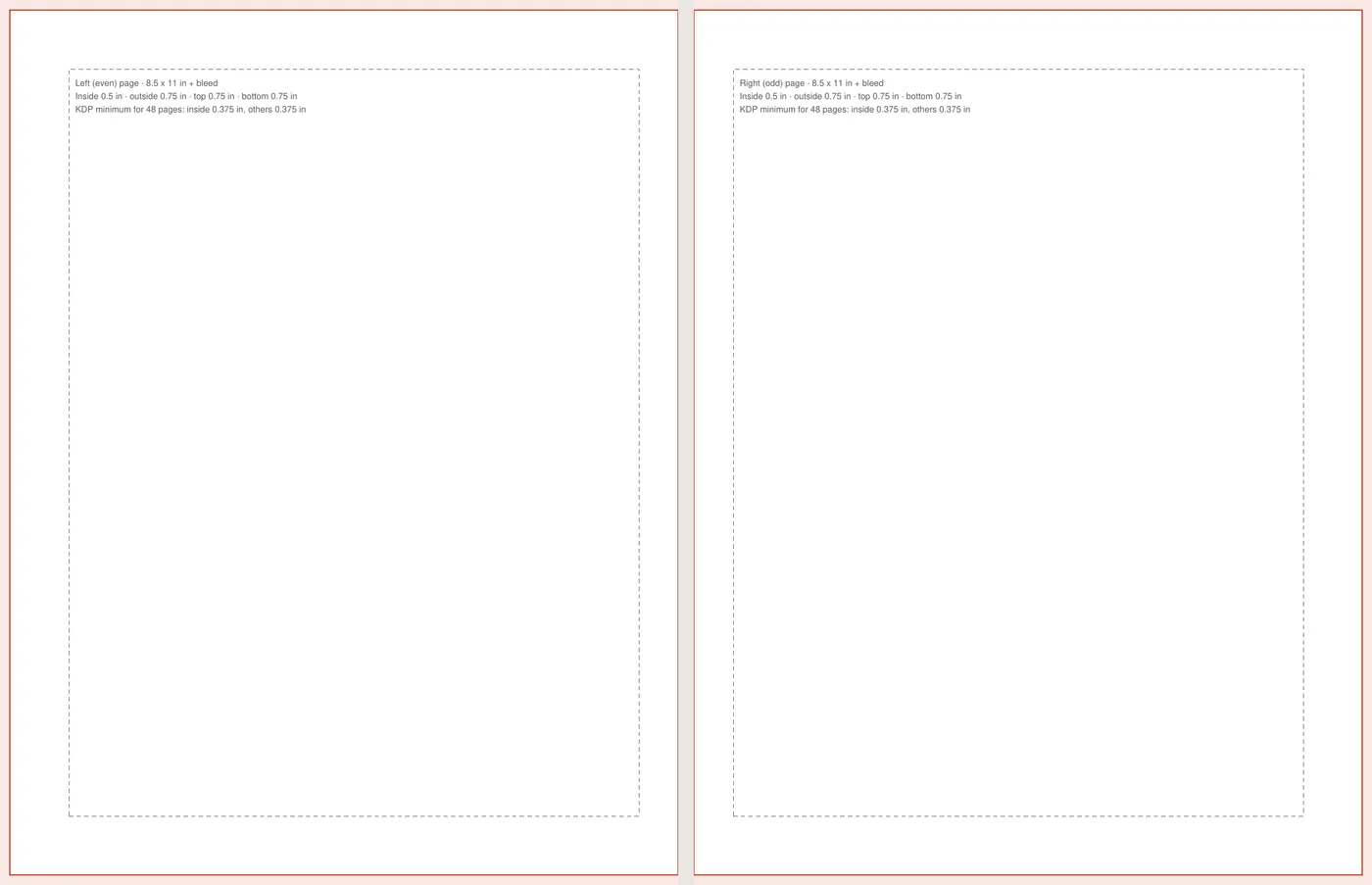
- Page size: your trim size, or trim plus bleed (0.125 in wider, 0.25 in taller) for books with images to the edge.
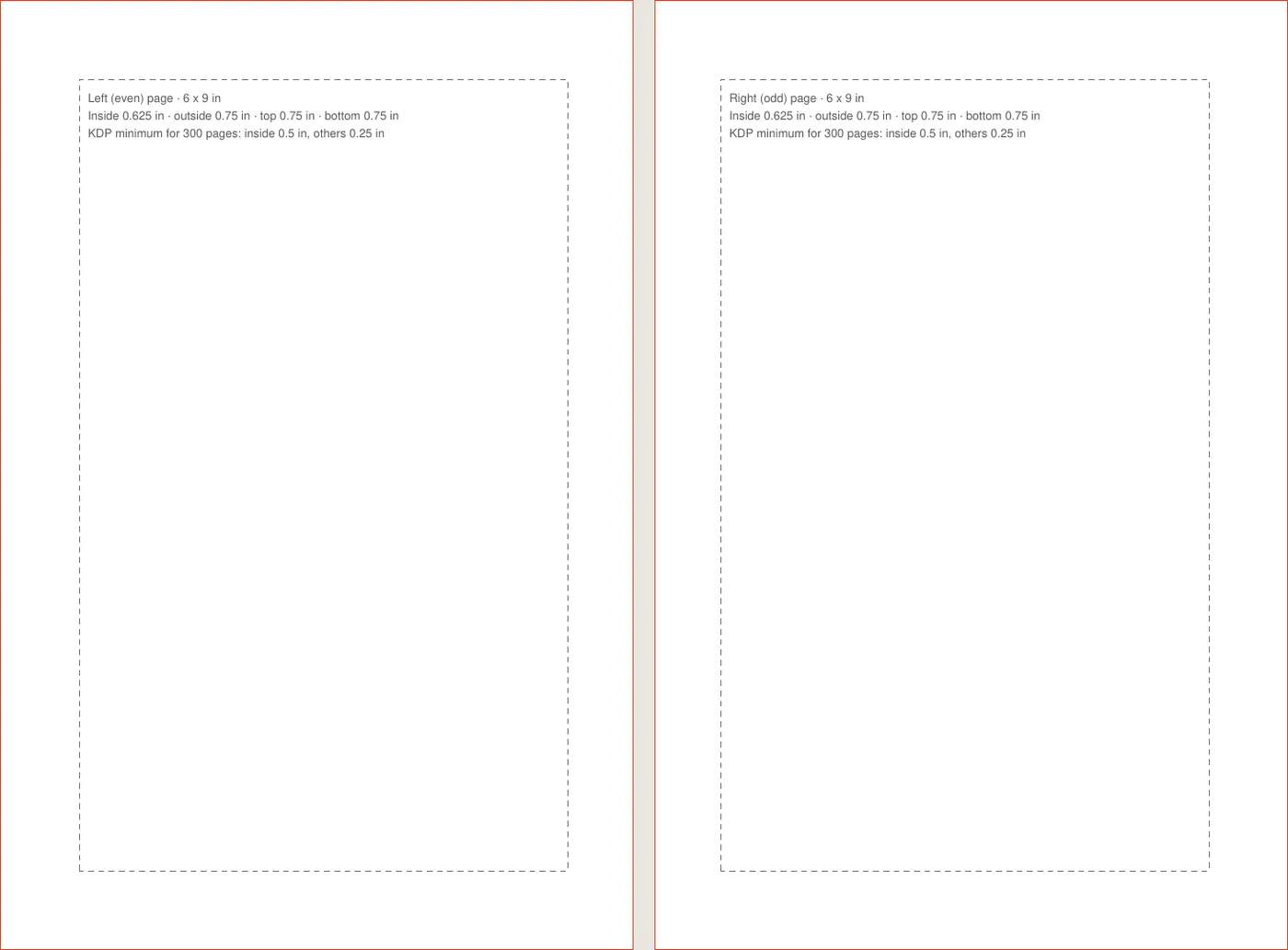
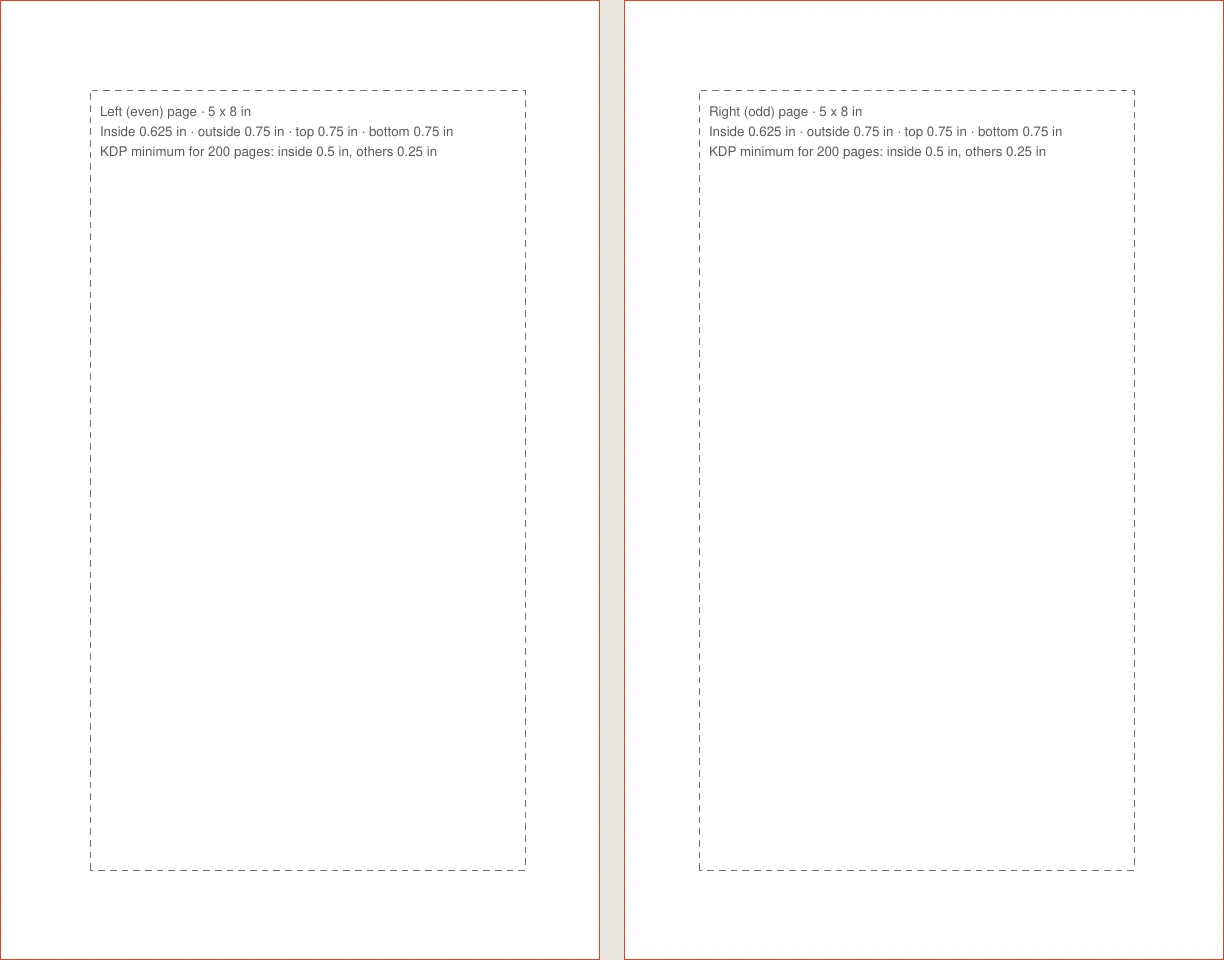
- Mirror margins: the inside margin sits by the spine on every page, left or right, so text never disappears into the binding.
- Gutter by page count: thicker books need a wider inside margin. The template follows KDP's table from 0.375 in up to 0.875 in.
- Styles: a title page, a chapter heading that starts a new page, and justified body text with a first-line indent.
KDP margins: minimums vs comfortable
KDP sets minimum margins, not recommended ones. Text right at the minimum looks cramped in a novel. The comfortable setting keeps 0.75 in on the outside, top and bottom and adds 0.125 in to the gutter; the minimum setting uses KDP's numbers exactly, for image-heavy books. See the full rules in the KDP formatting guide.
| Page count | Inside margin (minimum) |
|---|---|
| 24 to 150 | 0.375 in |
| 151 to 300 | 0.5 in |
| 301 to 500 | 0.625 in |
| 501 to 700 | 0.75 in |
| 701 to 828 | 0.875 in |
How to use the Word template
- 1
Pick your trim size
Choose it before you write. Our guide to paperback trim size explains the options.
- 2
Paste your manuscript
Paste as plain text, then apply Heading 1 to each chapter title so each chapter starts on a new page.
- 3
Add page numbers and headers
Word handles odd and even headers once mirror margins are on. Our guide shows how to make a book in Word step by step.
- 4
Export and check
Save as PDF with fonts embedded and open it in the KDP previewer before you publish.
Paper choice changes how the page feels, not the margins: read about choosing white or cream paper. For what happens after upload, see how KDP prints books.
Frequently asked questions
Does KDP provide its own templates?
Yes, KDP offers interior templates on its help pages. This tool makes one sized to your exact trim and page count, with the margins already worked out.
Do I need bleed?
Only if images or colors run to the edge of the page. Text-only books should be set up without bleed.
Will the template work in Google Docs?
Google Docs opens .docx files, but it does not support mirror margins. Use Word or LibreOffice for print layout, or set the margins by hand.
Why does the gutter change with page count?
Thicker books bend more at the spine, so KDP requires a wider inside margin as the page count grows.
What file do I upload to KDP?
Export a PDF from the template with fonts embedded. A PDF keeps your layout, fonts and page breaks exactly as you set them.